Start with a shared flaw in every AI slide tool. You hand over a requirement, and seconds later a "deck" appears — good-looking, plausible. Then you open PowerPoint to change one number or nudge one color block, and discover everything is flattened images, or a web page wearing a template's skin. Viewable, but not editable.
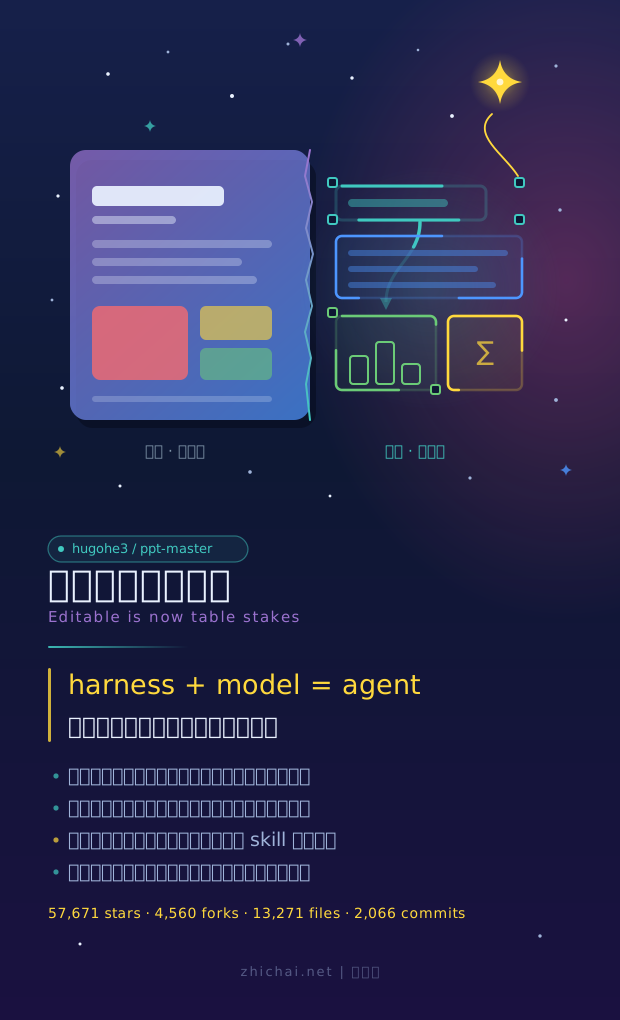
A GitHub project has bet on the other side: hugohe3/ppt-master. 57,671 stars (pulled from the GitHub API on October 5), 4,560 forks. The first line of its README states its position outright: "Editable is now table stakes" — editable is just the passing grade; the real question is how much of PowerPoint itself you can get back.
First, clear customs on the name
Search "ppt-master-skill" and you find a nest of repos — this is an ecosystem, not a single point. The real one is hugohe3/ppt-master, created December 10, 2025, still pushing code today. The official releases do include packages named ppt-master-skill-*.zip (about 56 MB, skill-only, no sample decks) — so "ppt-master-skill" is the name of its skill-package identity. Around it: macrochen/ppt-master-skill is a Codex wrapper; Offwhite-Del's is a library of 294 PPT tips; there are academic forks (224 stars) and a local ComfyUI image-generation fork that needs no API key. Searching the name and landing on a fork is the norm for top-tier projects — identify the original before judging.
What it bets on
Mainstream AI PPT tools — Gamma, Canva, WPS AI, iSlide — take the template-fill route: a finished, pre-formatted product. Pretty, yes, but PowerPoint's object model is basically absent from the deliverable.
ppt-master delivers the opposite: native shapes and connectors with draggable adjustment handles; real slide masters and layout inheritance (the whole p:sldMaster / p:sldLayout apparatus); formulas exported as OMML that PowerPoint can edit; charts and tables default to editable shapes, with a parameter to make them real chart objects carrying "Edit Data." Even what it doesn't do is stated openly: SmartArt is deliberately absent, not overlooked, accompanied by a "PowerPoint ↔ SVG mapping guide" that itemizes, line by line, what is reachable today and what still falls short.
"Editable" isn't cosmetic. The author's rationale is practical: the whole point of a natively editable deck is that you can keep working on it — it's not a dead image you can't touch. AI takes the most tedious part of the workflow; the last mile is left to a human. This is designing the deliverable as an interface: flattened images throw away all structure, while the native object model hands it back intact.
That formula
One passage of the README deserves to be quoted in full: "harness + model = agent — PPT Master only owns the workflow; the model sets the ceiling. Don't expect a perfect deck in one shot. The tool's value is taking away most of the tedium; the remaining polish is yours — a cheaper model means more work for you; if the result disappoints, upgrade the model first."
The author isn't quietly practicing this philosophy — it's printed as product documentation at the top. This column has tracked harness-type projects for over half a year: we've seen harness>LLM turned into quantitative evidence (a weak model with a good harness beating a strong one at the same budget), and seen it turned into product architecture — but this is the first to print the formula on the README's first screen and use "editable" as the product feature that carries "the last mile goes to the human."
Who wrote it
Hugo He, a finance professional: CPA, asset appraiser, consulting engineer (investment direction) — his day job is reviewing other people's decks. He wanted AI-generated slides to stay editable in PowerPoint rather than be flattened into images; tired of waiting, he wrote it himself. In his words: "Making decks was just the excuse. What I really wanted to push was Python and agents."
Contributor data nails the solo nature: among the top ten contributors, he has 2,066 commits; second place has 13. A domain expert without "professional programming" background, plus Python and agents, producing 58,000 stars in ten months — this sample is more worth remembering than the project itself.
The engineering inside the skill pack
Crack the package open: 13,271 files — 12,565 templates, 401 scripts, 175 reference docs, 28 workflows. The entry SKILL.md is only 10 KB and restrained: global execution discipline and route selection, nothing more; each route's process is handled by its own file. Six routes (generation, beautification, templates, fill-in, native PPTX editing, image-to-PPTX) map to six runtime-authoritative documents, and the AI reads only the one the routing table points to.
The harshest part: step two of the load order runs attribution_guard.py, and any non-zero return stops everything — "do not check, do not fix, do not bypass." Copyright integrity as a hard gate, embedded in the skill's loading chain. Governance doesn't live in the model; it lives in the skill — the same intuition as "governance layer outside the model" in sandbox infrastructure, just relocated from the server room into a 56 MB skill pack.
Another detail: the README says "if the AI loses context, have it re-read SKILL.md." The 10 KB entry file is the re-entry point for the whole system — context gets lost; anchors don't.
Release cadence and its honesty
From May to September 2026 it shipped 30 releases, roughly six per month; v5 to v6 took only six days. Open the latest v6.6.0 notes and the opening reads: "This is the result of three days of end-to-end real runs after v6.5.0: every route was exercised against real decks... each change below is anchored to a reproduced defect or a documented contract gap; no routes were added or removed."
The bug fixes come with numbers: a certain template's gradient mask only reached 0.12–0.35 opacity in the title area, measured contrast dropped to 1.2–2.5:1 in visual review, and the fix requires at least 0.60 within its own text slots. This "change one number, leave an evidence trail" style is rare in open-source release notes. The "edit native PPTX" route also promises byte-for-byte preservation of untouched pages — contract language, not rhetoric.
One caveat: this iteration speed means any description of it has a shelf life measured in weeks. This article's numbers were pulled October 5; at its pace, in two weeks you should re-verify against a new version.
Business and ecosystem
The project is MIT-licensed and free; the only cost is model usage. The sponsor slots hold Kimi (K3 is also its recommended model, with a million-token context) and four API resellers. Skill is the entry; tokens are the revenue — free tool layer, rent on the model layer, a structure becoming standard equipment in the agent era. Surrounding forks are already drilling into professional domains: papers-to-academic-PPTX, local ComfyUI image generation to save API keys, MinerU parsing plus SVG formulas. It looks a lot like how the ComfyUI ecosystem grew — only this time it's growing on agents.
End at two concrete places. One: v6.6.0 shipped September 19, and the repo is still pushing today — the next release will test whether "item-by-item convergence on PowerPoint" is a slogan or a cadence. Two: that PowerPoint ↔ SVG mapping guide deserves a standalone read — a project that writes down what it can't yet reach and pins it to the repo front page says more about how far it intends to go than any demo.