Godot Game Engine: A Complete Guide to 3D Game Development
Engine Overview
Godot is a completely free and open-source cross-platform game engine released under the MIT license, with no royalty fees. It is known for its lightweight installation package (only tens of MB), an intuitive node system, and strong 2D/3D development capabilities, making it particularly suitable for indie developers and small teams.
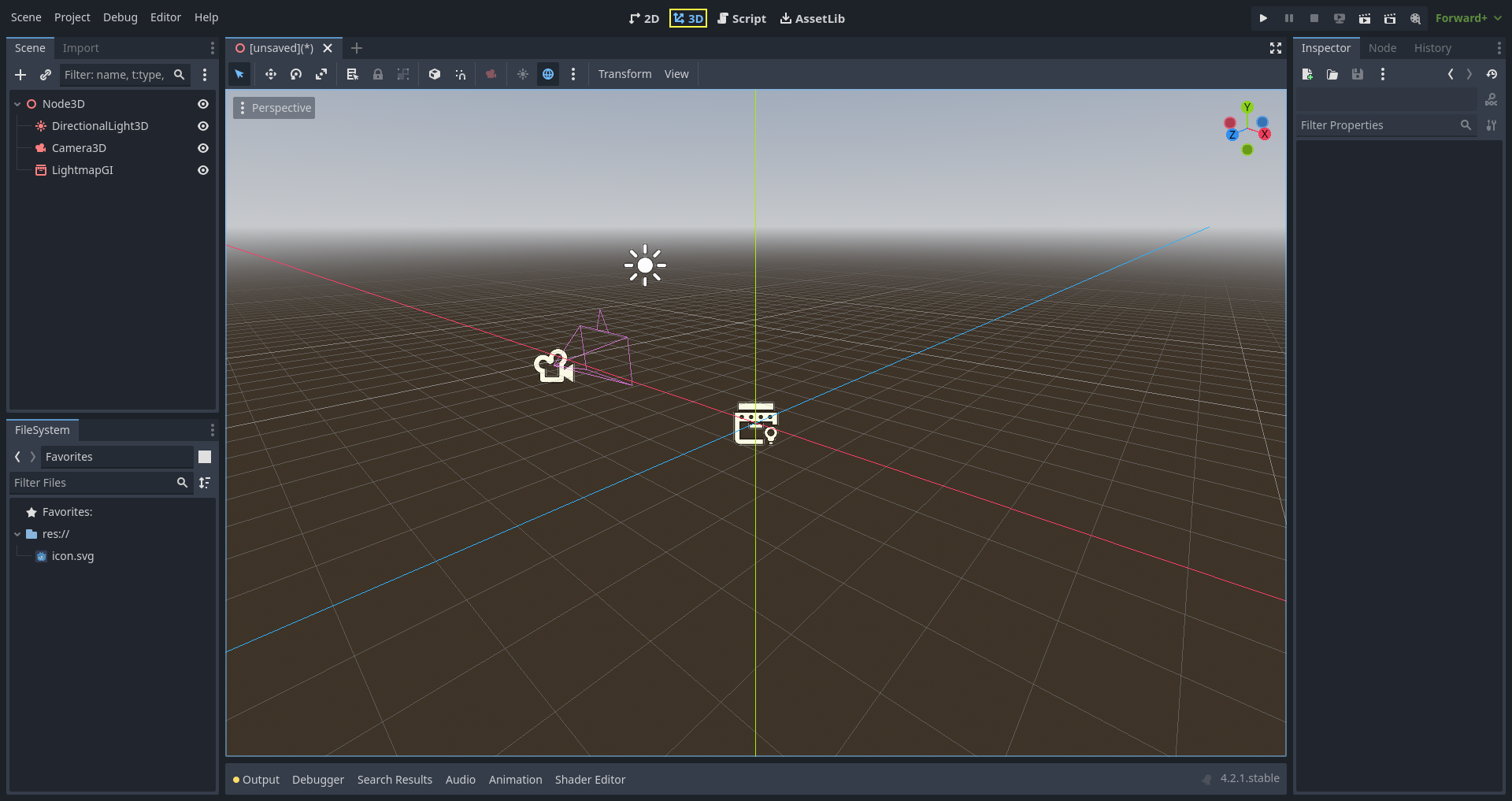
3D Game Development Capabilities
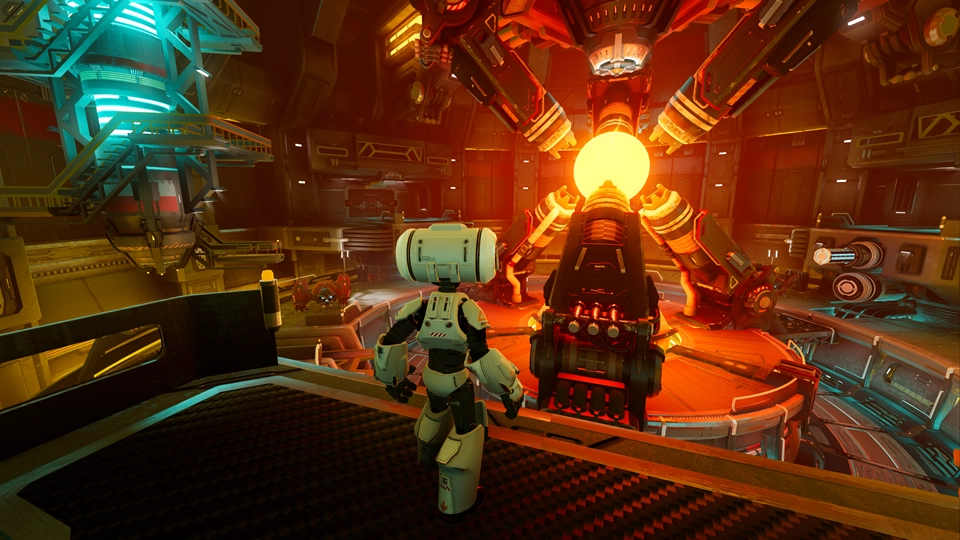
Godot 4.0 brings revolutionary 3D rendering improvements that greatly enhance 3D game development:
- Vulkan Rendering Engine — A brand-new Vulkan backend delivers high-performance rendering with support for High Dynamic Range (HDR) and Physically Based Rendering (PBR).
- Global Illumination System — SDFGI provides real-time global illumination for large open scenes, while VoxelGI is suited to small and medium-sized environments.
- Enhanced Visual Effects — Support for volumetric fog, sky shaders, advanced material systems, and particle systems.
- Rendering Optimization — Automatic occlusion culling, mesh LOD, and Multi-Sample Anti-Aliasing (MSAA) improve performance.
- Official documentation — Godot's official docs and tutorials cover everything from beginner to advanced topics.
- Video tutorials — Chinese-language courses such as *Godot 4.3+ Game Development from Beginner to Master* are suitable for newcomers.
- Community resources — The Godot community is active, with many developers sharing experience and open-source projects.
- Plugins and extensions — The Godot Asset Library offers a wealth of plugins and assets to speed up development.
Comparison with Mainstream Engines
Godot, Unity, and Unreal each have their own strengths and use cases:
| Feature | Godot | Unity | Unreal | |---|---|---|---| | Licensing cost | Completely free (MIT) | Free tier + paid tier | 5% revenue share | | 3D rendering | Good (major boost in 4.0) | Excellent | Top-tier | | Learning curve | Easy | Moderate | Harder | | Community resources | Growing | Rich | Excellent | | Best suited for | Indie games, 2D games | Mobile games, cross-platform | AAA titles, high-fidelity games |
3D Game Development Workflow
1. Scene creation — Create a 3D scene, add a Spatial (Node3D) node as the root, and build the scene tree structure. 2. Models and materials — Import 3D models, create and apply materials, and adjust textures and shaders. 3. Lighting setup — Configure light sources, adjust shadows, and apply global illumination. 4. Physics and collision — Add physics bodies, set collision shapes, and implement physical interactions. 5. Scripting — Write game logic and interactions using GDScript or C#.